1 Tick in WhatsApp – What It Means & How to Fix It Quickly! 🚀
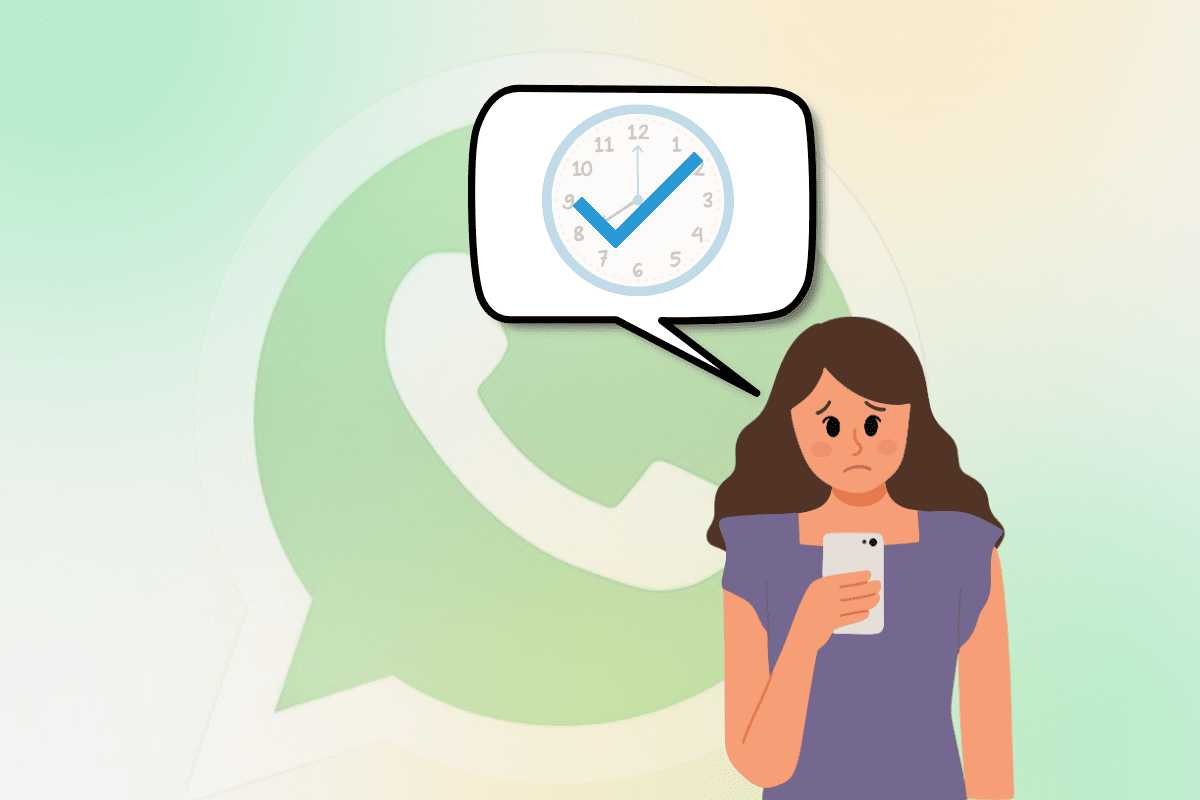
1 Tick in WhatsApp is a common issue that many users experience while sending messages. This single gray tick indicates that the message has been sent from your device but has not yet been delivered to the recipient.
Several reasons can cause this, such as network issues, the recipient’s phone being turned off, or even being blocked. Understanding why 1 Tick in WhatsApp appears and how to resolve it can help ensure smooth and uninterrupted messaging.
Whether it’s a temporary server issue or an intentional block, knowing the possible causes and solutions will save you time and frustration. We’ll explore everything about 1 Tick in WhatsApp, including its meaning, reasons, solutions, and expert tips to avoid delays in message delivery. Let’s dive in! 🚀📩
1 Tick in WhatsApp
| Situation | Possible Reason | Solution |
| Message sent but only one tick | Recipient is offline | Wait for them to come online |
| Message stuck on one tick for hours | Recipient has turned off their phone | Wait until they switch it on |
| Only one tick appears for a specific contact | You might be blocked | Try calling or messaging another way |
| Message remains at one tick indefinitely | Recipient has uninstalled WhatsApp | Check their last seen status |
| Message has one tick but recipient is online | Their privacy settings may restrict message delivery | Respect their settings and wait |
| Single tick in a group chat | Not all members have received the message yet | Wait until all members are online |
| One tick even with good internet | WhatsApp server issues | Wait or restart WhatsApp |
| Message shows one tick and then disappears | The recipient deleted their WhatsApp account | Confirm with another contact |
| Message sent to an international number | Recipient might have network issues | Check with them via another medium |
Understanding WhatsApp Ticks System
WhatsApp uses a tick system to show the status of your messages:
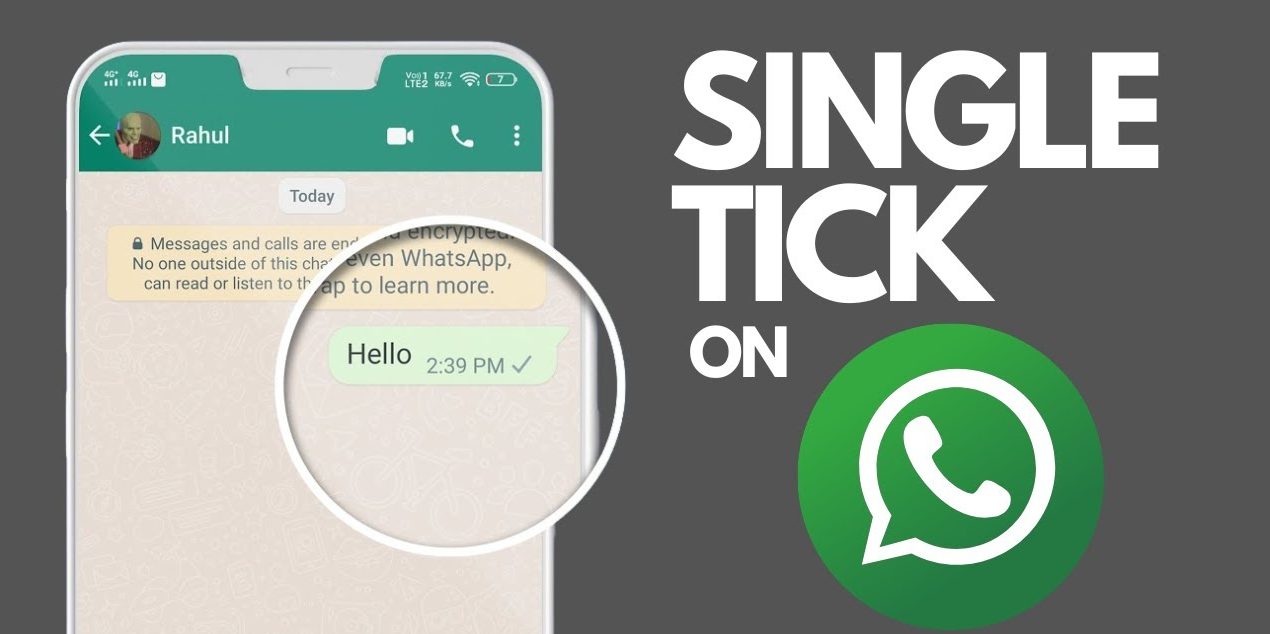
- 1 Grey Tick – Message sent but not delivered.
- 2 Grey Ticks – Message delivered to the recipient.
- 2 Blue Ticks – Message read by the recipient (if read receipts are enabled).
The presence of 1 tick in WhatsApp means that the message has been successfully sent from your device but has not yet been delivered to the recipient.
Why Do You See 1 Tick in WhatsApp?
Several reasons could cause a single tick to appear instead of two. Below are the most common factors:
1. Recipient’s Phone is Turned Off
If the recipient’s phone is switched off or out of battery, the message cannot be delivered, resulting in a 1 tick in WhatsApp.
2. No Internet Connection on Recipient’s Device
If the recipient is not connected to the internet (Wi-Fi or mobile data), WhatsApp cannot deliver the message, leaving it with a single tick.
3. Airplane Mode is Enabled
If the recipient has their phone in airplane mode, their WhatsApp will not receive messages until they reconnect to the internet.
4. Do Not Disturb Mode (DND)
Some users enable “Do Not Disturb” mode, which may prevent WhatsApp from receiving messages immediately.
5. You Have Been Blocked
If you have been blocked by the recipient, your messages will remain with a 1 tick in WhatsApp, and they will never be delivered.
6. WhatsApp is Not Running in the Background
Some users close WhatsApp completely, preventing it from receiving messages until they manually open the app again.
7. Server Issues on WhatsApp
WhatsApp’s servers may sometimes experience outages, causing messages to be delayed and resulting in a single tick.

How to Fix 1 Tick in WhatsApp?
If you see 1 tick in WhatsApp for a long time and want to ensure your messages are delivered, follow these troubleshooting steps:
1. Check Internet Connection
Ensure you have a stable internet connection. Try switching between Wi-Fi and mobile data to see if the message gets delivered.
2. Restart Your Device
Restarting your phone can help refresh your internet connection and WhatsApp app functionality.
3. Update WhatsApp
An outdated version of WhatsApp may cause message delivery issues. Ensure you are using the latest version from the App Store or Google Play Store.
4. Check if You Are Blocked
If your messages remain with a single tick for a long time and you cannot see the recipient’s profile picture or status updates, you might be blocked.
5. Ask the Recipient to Check Their Connection
If you suspect the recipient has no internet access, try contacting them through other means and ask them to check their connectivity.
6. Wait for WhatsApp Server Issues to Be Resolved
If WhatsApp is experiencing server outages, wait for the issue to be fixed. You can check the status of WhatsApp servers online.

Frequently Asked Questions About 1 Tick in WhatsApp
Why do I see only one tick on my WhatsApp message?
A single tick on WhatsApp means that your message has been sent but not yet delivered to the recipient. This could be due to various reasons such as the recipient’s phone being turned off, their internet being disconnected, or their privacy settings preventing delivery reports.
Can someone read my WhatsApp message without the second tick appearing?
Yes, if the recipient has their phone in airplane mode, turned off, or they are using a modified version of WhatsApp that hides delivery reports, they can read the message without triggering the second tick. Additionally, if the recipient has blocked you, your messages will only show one tick forever.
How long does it take for a single tick to turn into two ticks?
There is no fixed time for a single tick to turn into double ticks. It depends on when the recipient connects to the internet. If they are offline, the message will remain with one tick until they come online.
How can I ensure my message gets delivered quickly?
To improve delivery speed, ensure you have a stable internet connection, and the recipient is not in an area with poor network coverage. Also, verify that the recipient has not blocked you and that their phone is turned on.
Conclusion About 1 Tick in WhatsApp
A single tick in WhatsApp can be frustrating, especially if you’re waiting for an important reply. It generally means the message has been sent but not delivered due to various reasons such as poor internet connection, the recipient’s phone being off, or privacy settings.
Understanding the reasons behind a single tick can help in troubleshooting and ensuring effective communication. If the single tick persists for an unusually long time, checking for a possible block or technical issue might be necessary.
In the world of instant messaging, knowing how WhatsApp’s tick system works can save time and prevent misunderstandings. By being aware of network conditions, recipient availability, and WhatsApp settings, users can better manage their messaging expectations and responses.