How to Create AI Videos from Text Free Using Grok Imagine (Complete 2026 System Guide)
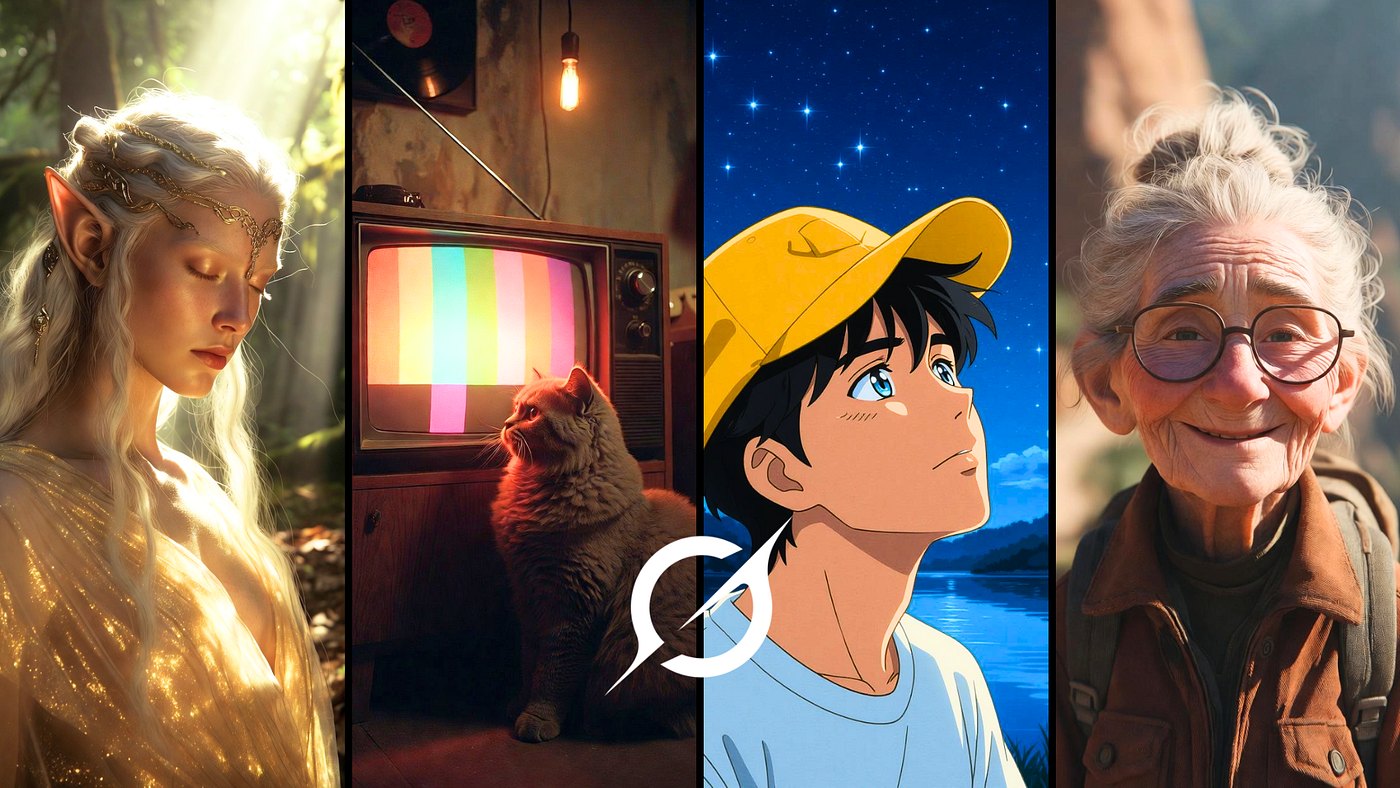
Most guides on how to create AI videos from text for free still repeat the same shallow advice:
“Write a prompt → click generate → download video.”
That works — in the same way instant noodles count as cooking.
In 2026, creating high-quality AI video is not about the tool. It’s about how well you control motion, scene continuity, and timing. And right now, one of the most talked-about tools for this is Grok Imagine, especially when paired with emerging Grok video workflows. This guide breaks down the exact system creators are using to produce high-quality AI videos — even using free tools like Grok.
How Grok Imagine Interprets Text-to-Video Prompts
When you type:
“a futuristic city at night”
Grok Imagine (like other AI models) doesn’t see a video.
It breaks your input into motion-based components:
- City → buildings, roads, layout
- Futuristic → neon lights, sci-fi elements
- Night → contrast, shadows, glow
- ❌ Missing → motion, camera, timing
Here’s the problem:
👉 Grok video output depends heavily on motion instructions
Compare this:
❌ Weak prompt
“a futuristic city at night”
✔ Strong prompt (optimized for Grok video)
“A futuristic cyberpunk city with neon reflections, flying cars moving through traffic, slow aerial camera movement, cinematic lighting, ultra-detailed, 4K video.”
The difference?
👉 Motion + Camera Control = Professional Output
The Grok Video Prompt Formula (Used by Advanced Creators)
Stop writing random sentences. Start using structure.
Prompt Formula
Subject → Environment → Action → Motion → Style → Camera → Lighting → Duration
Example (Grok Optimized)
A young astronaut → inside a damaged spaceship → slowly walking toward a window → floating particles drifting in zero gravity → cinematic sci-fi style → smooth tracking shot → soft blue lighting → 5-second ultra-realistic video
Why This Works with Grok Imagine
- Subject = main focus
- Action = what’s happening
- Motion = how things move
- Camera = storytelling angle
- Duration = output control
Without structure → Grok guesses
With structure → Grok directs
Best Free AI Video Tools (Including Grok Video Workflow)
Let’s be clear: tools are not equal — but Grok fits into a powerful ecosystem.
- A) Cinematic Video Generation
- Runway ML
- Pika Labs
👉 Best for realism and storytelling
- B) Creative + Stylized Video
- Kaiber AI
- PixVerse AI
👉 Best for music videos & artistic visuals
- C) Social + Short-Form Video
- Canva
- CapCut
👉 Best for reels and ads
- D) Grok Video + Fast AI Tools
- Grok Imagine
- TikTok
👉 Best for fast generation + idea prototyping
Key Insight (Important for SEO + Reality)
Even with Grok Imagine, results depend more on:
✔ Motion clarity
✔ Camera direction
✔ Prompt structure
NOT just the tool itself.
The 4-Step Grok Video Creation System
This is what experienced creators actually do.
Step 1: Define Visual Intent
Before using Grok Imagine, decide:
- Cinematic or social content?
- Slow motion or fast-paced?
- Subject-focused or environment-focused?
👉 No clarity = random output
Step 2: Build a Structured Prompt
Use the formula.
Focus on:
- movement
- camera
- scene flow
This directly improves Grok video quality.
Step 3: Generate Multiple Outputs
Never trust one generation.
AI video (including Grok) is probabilistic:
👉 Same prompt, ≠ same result
Generate 3–5 variations.
Step 4: Iterative Refinement
Change ONE variable at a time:
- camera movement
- motion speed
- lighting
- subject behavior
👉 This is where 90% of quality comes from
10 High-Control Grok Video Prompts (Ready to Use)
- Old sailor on a ship, ocean waves moving, wind blowing hair, cinematic close-up, slow motion, dramatic lighting
- Cyberpunk street, neon lights flickering, rain falling, people walking, smooth tracking shot
- Japanese tea room, sunlight shifting, calm atmosphere, static camera, minimal motion
- Astronaut walking on Mars, dust storm moving, wide cinematic shot
- Luxury car interior, dashboard lights glowing, slow camera pan
- Fantasy castle, clouds moving rapidly, aerial fly-through
- Busy street market, handheld camera style, natural motion
- Robot repairing itself, sparks flying, slow mechanical movement
- Modern office, soft daylight, slight zoom, minimal motion
- Futuristic lab, holograms rotating, smooth cinematic tracking shot
Why Most Grok Videos Look Bad
Not because Grok is weak — but because prompts are.
Problem 1: No motion
👉 Result: static video
✔ Fix: always define movement
Problem 2: No camera direction
✔ Use: tracking shot, zoom, pan
Problem 3: Overloaded prompts
✔ Keep it focused
Problem 4: No iteration
✔ Generate multiple versions
Beginner → Pro Shift (Critical Insight)
Most people think:
❌ Better tool = better video
Reality with Grok:
✔ Better motion design = better video
That means:
- controlled movement
- clear structure
- intentional camera language
Final Conclusion
If you want consistent results using Grok Imagine and modern Grok video workflows, stop thinking:
👉 “Describe a scene.”
Start thinking:
👉 Design a moving visual sequence for an AI model
Free tools are already powerful.
The real advantage is not access.
👉 It’s control.