How to Protect Your Personal Data on Social Media Platforms
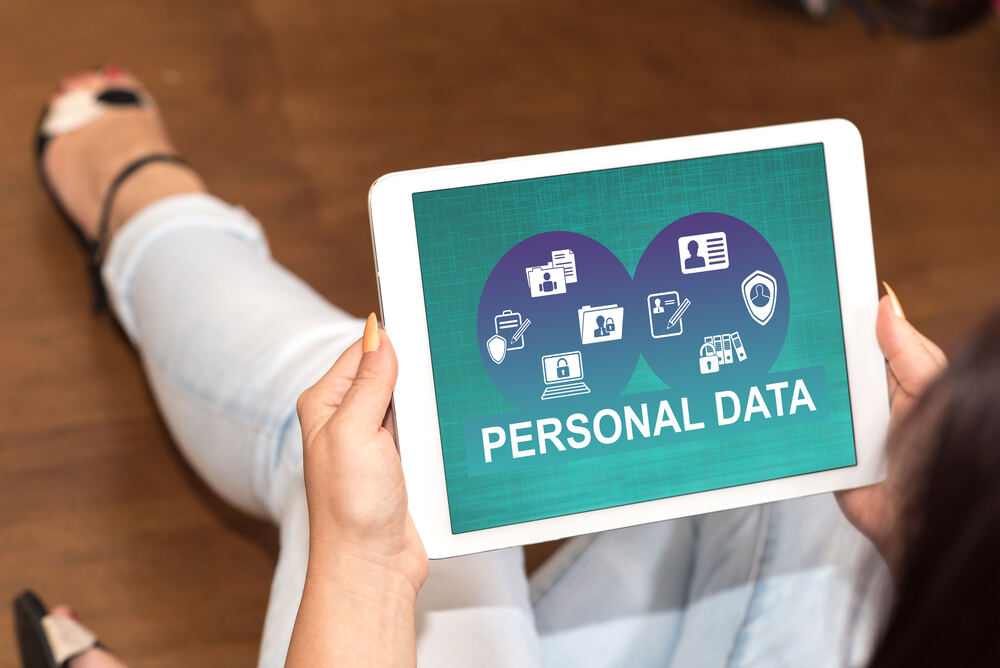
How about being 100% real now? Social media is fun, cool, addictive, and basically it’s the place where we all live now (hello neighbors). However, with all those pics, memes, and tweets, it’s easy to forget one tiny detail…your personal data. If you fail to protect it, it is right there for the taking by literally anyone with the worst intentions possible. Whether you’re posting a selfie or updating your relationship status…again, staying safe online is a must. So let’s talk about how you can keep all those details locked down like a pro.
#1 About Sharing Something? Think.
Then think again, and again, and again. When it comes to protecting personal information (birthdays, phone numbers, college, address, etc.), think carefully before you press ‘share’. While you may believe these details are absolutely harmless, they can be used to hack accounts or steal identities by those who know the business.
#2 Come Up with the Mega-Strong Passwords
How many times did you type ‘qwerty’ thinking you were protected or that passwords didn’t really matter? If you’re from the camp of the fans of qwerty, we have some bad news for you. Your password can be easily revealed by someone else. What you have to do is mix uppercase and lowercase letters with numbers and symbols. Not only that. You also have to use a different password for every app. In other words, if one site gets hacked, your whole digital life won’t be ruined in 1,2,3. At this point, we strongly recommend using things like a password manager app. You’ll thank yourself later.
#3 Turn On 2FA (Two-Factor Authentication)
To help you get a better idea of what two-factor authentication is, we compare it to having a second lock on your door. Even if someone guesses your password, they will also have to deal with the code sent to your phone or email to get in. Most big social platforms have this option in security settings. Now, make sure to go there right now and turn this option on. No matter how tiny and primitive it may sound, it will save you later.
#4 Read Those Privacy Settings Finally
If you are like us, you usually just click through your account settings and immediately think, Who even needs to read so many letters? But if you make sure to finally read what is written in that section with those privacy settings, you’ll know how to make sure your posts and personal info can be seen only by people you actually know. And when you are in the middle of the reading process, it’s crucial to review who can send you messages or tag you in posts. If you are still hesitating, trust us that it’s worth five minutes of your time.
#5 Always Remember Sketchy Links and DMs
If you receive a message saying something like “OMG, is this you in this video???” and are excited to see where exactly you are, stop. First of all, think of who the sender of the video is. Is it from someone you barely know? In that case, delete the message and forget about it. At the same time, even if it is someone you know, chances are their profile was hacked. Contact them via any other channel to see if the message is from them or someone else. The reality is that that could be a phishing link designed to steal your login info or install malware. When in doubt, delete it, block it, ignore it. There is no time for regrets!
#6 All Apps Should Be Updated On Time
Yes, we know how busy you can get during the day. Just like we know that updating apps is probably the last thing you would like to waste your precious time on. No matter how annoying they may seem to you, they are there not just to bug you. As a rule, they contain security patches that protect you from the latest threats. So yes, update your apps as soon as possible. The best part is that you can do it while you’re doing something else.
#7 Download Your Data (and Then Delete Things You Don’t Need)
A lot of platforms out there let you download a copy of everything they’ve collected about you. That kind of option is very useful. The point here is that when you have seen what’s stored, you can decide what you want to delete. Using PDFized to review your data in PDF format and redact sensitive details with a free redaction tool can give you the feeling that your important information is secured – and in many cases, that’s actually true.
#8 Log Out on Public Devices
At some point, we all use a phone that belongs to someone else or a public computer. It’s okay. That’s life. Just keep in mind this: always log out when the job is done. If you fail to log out, the next person might just find your account available and do anything they want there to ruin your reputation.
#9 Be Careful When You Share Your Location
If you think that tagging your favorite café is cute, well, it really is. Nonetheless, sharing your real-time location is not a good idea for those who take care of their safety. A lot of online social media platforms allow constant location tracking, even when you’re not using the app. Turn off location permissions unless you really need them. Believe it or not, but your followers do not need to know exactly where you are around the clock.
#10 Separate Personal and Professional Accounts
If you’re building a brand, running a small business, or even just networking, it is crucial to have a separate account for content that you share about your business or brand. Thus, you will limit how many personal details will be shared. In other words, you will have more control over what this or that target audience can see and know about you.
#11 Comment but Not Too Much
There is nothing wrong if you like to comment. However, keep in mind that comments are public too, and everyone (or almost everyone) can see them. If you answer questions like your hometown, pet’s name, school, college, or favorite teacher might seem innocent. But the reality is that all those details are always used as security questions. Here’s what we recommend: it’s better to keep replies fun and vague enough to protect your info.
So? Be Smart!
When it comes to your data protection, it doesn’t mean that you have to live in a non-stop fear and give up Instagram, Facebook, and other platforms for good. You just have to think about your digital life and be a little extra careful. Think about your social media life as if it were your real life. We seriously doubt that you would share your phone number or bank account with a stranger. So, what’s the point in sharing it online?