🔥 This Account Can No Longer Use WhatsApp? Here’s How to Fix It! 🚀
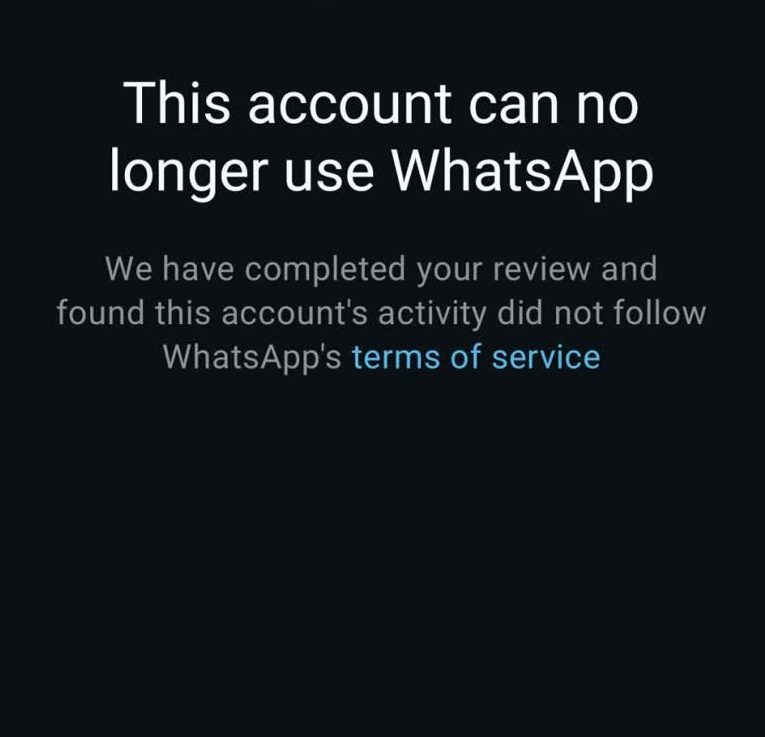
This Account Can No Longer Use WhatsApp – If you’ve encountered this message, it means WhatsApp has banned or restricted your account due to a possible violation of its policies. This can happen for several reasons, including suspicious activity, policy violations, or using unauthorized apps.
However, don’t worry! There are ways to appeal the ban and restore your WhatsApp account. We’ll explain why WhatsApp restricts accounts, how to check if your account is permanently banned, and the best steps to recover your account quickly.
Whether you’re facing a temporary suspension or a permanent ban, understanding WhatsApp’s policies and taking the right actions can help you get back on track. Keep reading to learn how to fix this issue and ensure your WhatsApp account remains safe in the future! 🚀
This Account Can No Longer Use WhatsApp
| Aspect | Details |
| Error Message | “This Account Can No Longer Use WhatsApp” |
| Meaning | Your account has been permanently banned by WhatsApp. |
| Possible Reasons | Spam, bulk messaging, third-party apps, policy violations |
| How to Appeal? | Request a review via WhatsApp Support |
| Review Time | 24–48 hours |
| Chances of Unban? | Only if the ban was a mistake |
| Alternative Solutions | Create a new account with a different number |
| How to Prevent Bans? | Use official WhatsApp, avoid spam, follow terms of service |
| Business Solution | Use WhatsApp Business API for secure communication |
| Permanent Ban? | Yes, if WhatsApp does not lift the ban after review |
| Impact on Data? | Chat history, groups, and contacts may be lost |
| Best Practices for Future | Do not send mass messages, avoid reported content, and use official apps only |
Understanding WhatsApp Account Bans
WhatsApp enforces strict policies to maintain a safe and secure platform for its users. The company may ban accounts for violating terms of service, engaging in suspicious activities, or using unauthorized modifications of the app.
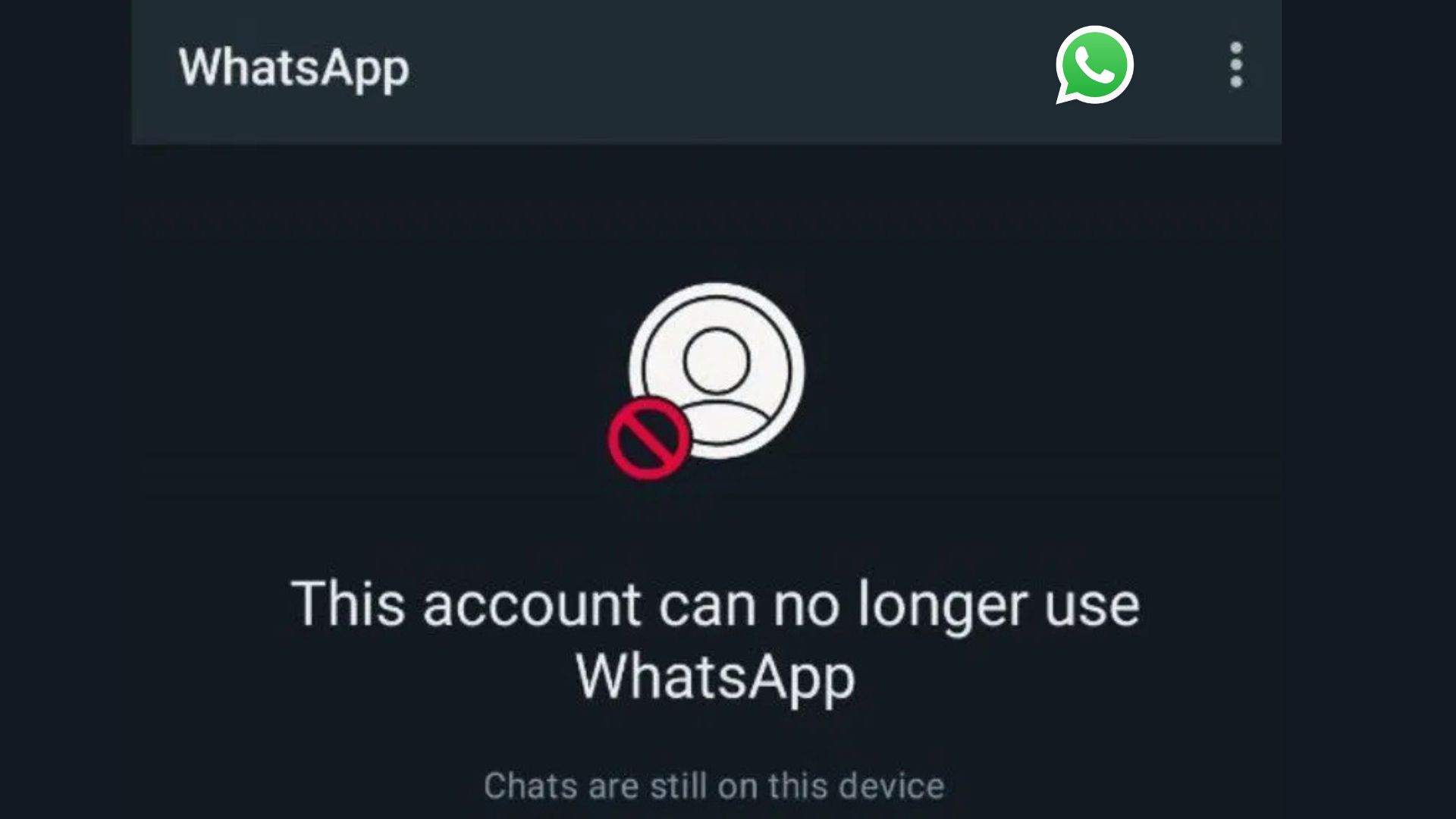
Types of Bans
- Temporary Ban: This occurs when a user violates minor policies. The account is usually restored after a certain period.
- Permanent Ban: WhatsApp permanently disables the account due to severe violations, with no option for recovery.
Reasons for Getting Banned on WhatsApp
1. Violation of WhatsApp Policies
WhatsApp has strict community guidelines that users must follow. Violating these policies can lead to a ban.
2. Using Modified Versions of WhatsApp
Apps like WhatsApp Plus, GB WhatsApp, and other third-party modifications provide additional features but are against WhatsApp’s policies. Using them can result in a ban.
3. Sending Bulk or Spam Messages
Excessive messaging, spamming, or sending automated bulk messages is a common reason for bans.
4. Engaging in Suspicious or Illegal Activities
Sharing illegal content, fake news, or engaging in harmful activities can lead to account suspension.
5. Receiving Multiple Reports
If multiple users report your account for inappropriate behavior, WhatsApp may review and ban your account.
6. Using WhatsApp for Business Without Compliance
Using a personal WhatsApp account for mass marketing without proper compliance can trigger a ban.
How to Recover a Banned WhatsApp Account
If you see the message “This account can no longer use WhatsApp,” you can try the following solutions:
1. Contact WhatsApp Support
- Open the WhatsApp app and click on “Support.”
- Send an email to [email protected] explaining your issue.
- Wait for a response within 24-48 hours.
2. Appeal for a Review
- Visit the WhatsApp help center.
- Submit an appeal form requesting a review of your ban.
- Provide necessary details such as your phone number and explanation.
3. Uninstall Unauthorized Apps
- If you were using GB WhatsApp or similar apps, uninstall them immediately.
- Install the official WhatsApp version from the Play Store or App Store.
4. Ensure Compliance with WhatsApp Policies
- Avoid sending bulk messages.
- Do not share explicit or illegal content.
- Follow ethical practices while using WhatsApp.
Preventive Measures to Avoid Getting Banned
1. Use the Official WhatsApp Version
Always download WhatsApp from official sources like Google Play Store or Apple App Store.
2. Follow WhatsApp Guidelines
- Read and follow WhatsApp’s terms of service.
- Avoid spam or bulk messaging.
3. Secure Your Account
- Enable two-step verification for added security.
- Do not share your number with untrusted sources.
4. Avoid Being Reported
- Engage positively with users.
- Do not send unsolicited messages.
Frequently Asked Questions About “This Account Can No Longer Use WhatsApp”
Why does my WhatsApp show “This Account Can No Longer Use WhatsApp”?
This message appears when WhatsApp permanently bans an account due to violations of its policies. Some common reasons include:
- Sending bulk or automated messages.
- Using modified versions of WhatsApp like GB WhatsApp or WhatsApp Plus.
- Being reported multiple times for spam or harmful behavior.
- Violating WhatsApp’s Terms of Service, such as sharing illegal content.
If you believe the ban is a mistake, you can appeal by contacting WhatsApp Support.
Can I recover my banned WhatsApp account?
If your account was banned mistakenly, you can request a review through these steps:
- Open WhatsApp and enter your phone number.
- Click on “Request a Review.”
- Provide a detailed explanation of why you believe your account was wrongly banned.
- Wait for WhatsApp’s response (usually within 24–48 hours).
If your appeal is rejected, the ban is permanent, and you will need to register a new account with a different phone number.
How can I prevent my WhatsApp account from being banned?
To avoid getting banned, follow these best practices:
- Use the official WhatsApp app, not third-party versions.
- Do not send spam messages or bulk messages to unknown contacts.
- Avoid sharing illegal, offensive, or misleading content.
- Follow WhatsApp’s community guidelines and terms of service.
- If you use WhatsApp Business, ensure you adhere to messaging policies.
By using WhatsApp responsibly, you can prevent your account from being banned.
What should I do if my WhatsApp number is permanently banned?
If your number is permanently banned:
- Try requesting a review via WhatsApp’s help center.
- If the appeal fails, use a new phone number to create a new WhatsApp account.
- Inform your contacts about your new number.
- Back up your important chats beforehand if you have access.
If you run a business, consider using WhatsApp Business API to avoid such bans.
Conclusion About “This Account Can No Longer Use WhatsApp”
Getting banned from WhatsApp can be frustrating, especially if you rely on it for personal or business communication. This happens when users violate WhatsApp’s terms, such as using third-party apps, sending bulk messages, or engaging in spam-like behavior.
While some bans can be appealed and lifted, permanent bans require you to create a new account with a different number. To avoid future bans, always use the official WhatsApp application, follow its guidelines, and respect its policies.
If you depend on WhatsApp for business, using WhatsApp Business API can be a more secure alternative. Always ensure ethical and proper use of the platform to keep your account safe and active.