WhatsApp Calling Abroad: Seamless International Communication for Everyone
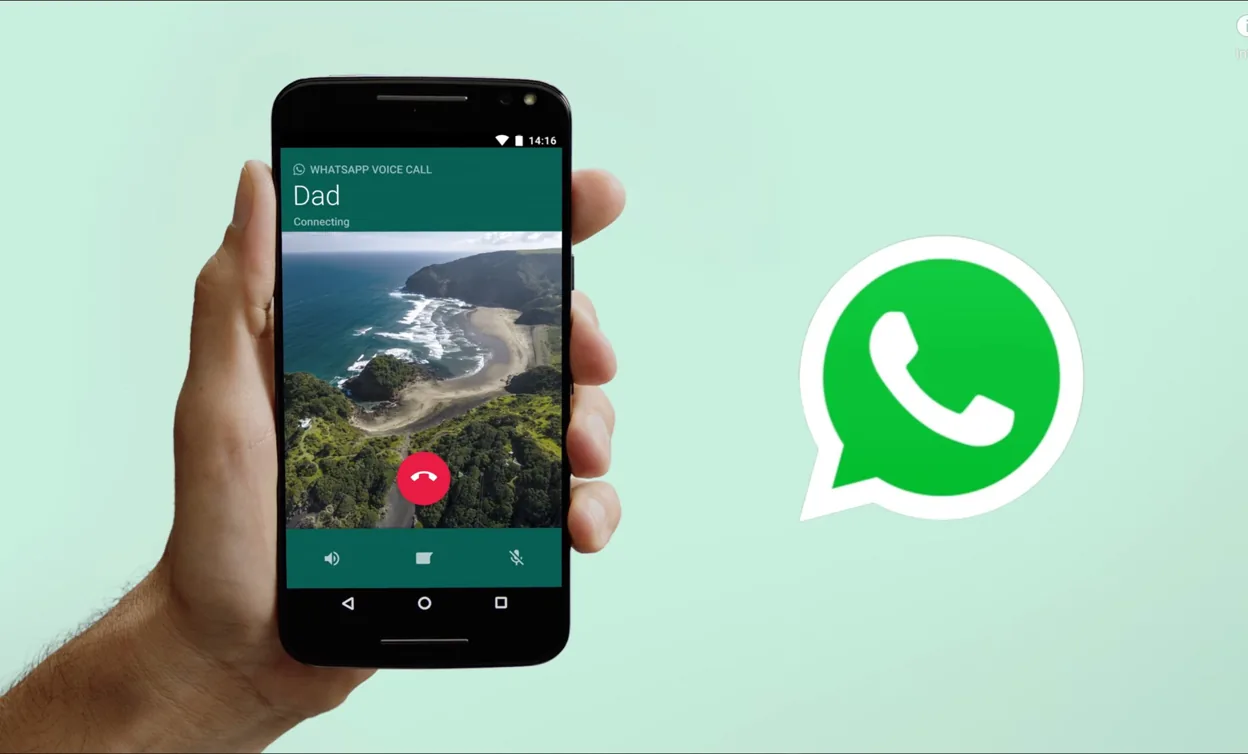
WhatsApp Calling Abroad has revolutionized the way people connect across borders. With its free voice and video calling feature, WhatsApp eliminates the need for expensive international phone plans, allowing users to stay in touch with family, friends, and colleagues effortlessly.
Whether you are traveling, working remotely, or maintaining long-distance relationships, WhatsApp provides a reliable and cost-effective way to make calls worldwide.
One of the biggest advantages of WhatsApp Calling Abroad is that it only requires an internet connection, meaning users can call anyone, anywhere, without worrying about excessive charges.
However, there are factors to consider, such as internet speed, VoIP restrictions in certain countries, and call quality variations. We will explore everything about WhatsApp Calling Abroad, including how it works, potential limitations, and tips to ensure smooth international communication.
WhatsApp Calling Abroad
| Feature | Details |
| Technology | VoIP-based calling |
| Supported Platforms | Android, iOS, Windows, Mac |
| Internet Requirement | Wi-Fi or mobile data |
| Cost | Free (data charges may apply) |
| End-to-End Encryption | Yes |
| Video Call Support | Yes |
| Group Call Support | Yes, up to 32 participants |
| Data Usage (Voice Call) | 0.15-0.5MB per minute |
| Data Usage (Video Call) | 3-5MB per minute |
| Countries with Restrictions | China, UAE, North Korea, Iran, Qatar |
| Alternative Solutions in Restricted Countries | VPN services |
| Call Quality Factors | Internet speed, bandwidth, network stability |
| Common Issues | Poor connection, call drops, data consumption |
| Tips for Better Quality | Use strong Wi-Fi, update app, close background apps |
Understanding WhatsApp Calling Abroad
WhatsApp Calling Abroad enables users to make international voice and video calls using an internet connection. Unlike traditional international calling, which relies on cellular networks and incurs high costs, WhatsApp calls work over Wi-Fi or mobile data, making them more affordable and accessible.

How WhatsApp Calling Works
- Internet-Based Communication: WhatsApp calls use VoIP (Voice over Internet Protocol) technology, allowing users to communicate via the Internet instead of traditional phone lines.
- Supported Devices: WhatsApp calling is available on smartphones, tablets, and even desktop versions via WhatsApp Web.
- End-to-End Encryption: All calls are securely encrypted, ensuring privacy and security.
- Data Usage: Calls consume mobile data if Wi-Fi is unavailable, which may lead to additional charges depending on the data plan.
Advantages of WhatsApp Calling Abroad
1. Cost-Effective Communication
- No international calling fees.
- Works on both Wi-Fi and mobile data.
- Avoids roaming charges when traveling.
2. High-Quality Calls
- Clear voice and video quality.
- Low latency, reducing call drops.
- Adaptive bitrate for stable connectivity.
3. Accessibility
- Available worldwide in most countries.
- Can be used on Android, iOS, and desktop devices.
- Works even in low-bandwidth conditions.
4. Secure & Private Communication
- End-to-end encryption protects conversations.
- No third-party interference.
- Secure against hackers and eavesdropping.
Limitations and Challenges of WhatsApp Calling Abroad
Despite its numerous benefits, WhatsApp calling abroad has some limitations:
1. Dependence on Internet Connection
- Requires a stable internet connection.
- Poor connectivity can lead to call drops and low audio/video quality.
2. Blocked in Some Countries
- WhatsApp calling is restricted in countries like the UAE, China, and Qatar.
- Users in such regions require VPN services to bypass restrictions.
3. Data Consumption
- Calls consume approximately 0.3MB per minute (audio) and higher for video calls.
- This may lead to excessive data usage if not on Wi-Fi.
4. Device Compatibility Issues
- Older devices may not support high-quality calls.
- Some desktop versions lack video calling features.
How to Make WhatsApp Calls Abroad
Making an international call using WhatsApp is straightforward. Follow these steps:
- Ensure a Stable Internet Connection
- Use Wi-Fi for the best experience.
- If using mobile data, ensure sufficient bandwidth.
- Add the Contact on WhatsApp
- Ensure the recipient’s number is saved in the international format (+Country Code).
- Open WhatsApp and locate the contact.
- Initiate the Call
- Tap the phone icon for voice calls.
- Tap the video camera icon for video calls.
- Ensure the recipient is also connected to the internet.
- Adjust Call Settings for Best Performance
- Reduce background apps to improve call quality.
- Use noise-canceling earphones for clearer audio.
Best Practices for Seamless WhatsApp Calling Abroad
1. Optimize Network Connection
- Use a strong Wi-Fi signal.
- Avoid public Wi-Fi for privacy reasons.
- Use mobile data only if unlimited.
2. Check Regional Restrictions
- In restricted countries, use VPN services.
- Stay updated on government regulations.
3. Monitor Data Usage
- Check data consumption in WhatsApp settings.
- Use voice calls instead of video calls to save data.
4. Use the Latest Version of WhatsApp
- Update regularly for security and feature improvements.
- Enable auto-update for seamless performance.
Alternative Apps for International Calling
While WhatsApp is a great option, there are other apps for international calling:
| App Name | Features | Cost |
| Skype | High-quality video & voice calls | Free with Wi-Fi; Paid for landlines |
| Viber | Secure and fast calls | Free; Paid international calls |
| Zoom | Group calling & video meetings | Free; Paid premium plans |
| FaceTime | Apple-only video & voice calls | Free for iOS users |
| Google Duo | High-quality video calls | Free for Android & iOS |

Frequently Asked Questions About WhatsApp Calling Abroad
Does WhatsApp call work in every country?
WhatsApp calling works in most countries, but some nations like China and the UAE restrict or block VoIP services. Users in such countries may require a VPN to use WhatsApp calling.
How much data does a WhatsApp call consume?
A one-minute WhatsApp voice call uses approximately 0.15-0.5MB, while a video call consumes around 3-5MB per minute. The data usage depends on network quality and call duration.
Are WhatsApp calls free when traveling abroad?
Yes, WhatsApp calls are free, but they consume mobile data or Wi-Fi. If using mobile data while roaming, additional charges from your carrier may apply.
Can I use WhatsApp calling on a weak internet connection?
Yes, but the call quality may be poor. For better performance, use a high-speed Wi-Fi network or a strong mobile data connection.
Conclusion About WhatsApp Calling Abroad
WhatsApp calling abroad offers a cost-effective and convenient way to stay connected with loved ones and business contacts worldwide. With no additional international charges, high-quality calls, and secure encryption, it remains a top choice for global communication.
However, it is essential to ensure a stable internet connection and be aware of country-specific restrictions. By following best practices, users can enhance their WhatsApp calling experience while traveling internationally.